.png)


22+ Hours of edited video lessons
.png)
45+ Lessons and exercises

Instructor with
15+ Years of experience

Includes Python & Blender API
ALREADY A TOANIMATE STUDENT?
You know how
we teach.
If you're in our Blender Basics or Animation course, you know what a proper structured curriculum actually feels like. This is the same approach, built for rigging.
Same lesson format. Same PDF handbooks. Same community. Same instructors who answer your questions.
Vlad, who built the technical foundation of the animation course assets and tools, is leading this one himself.

.png)
.png)
What you will learn
By the end of this course,
you will be able to:
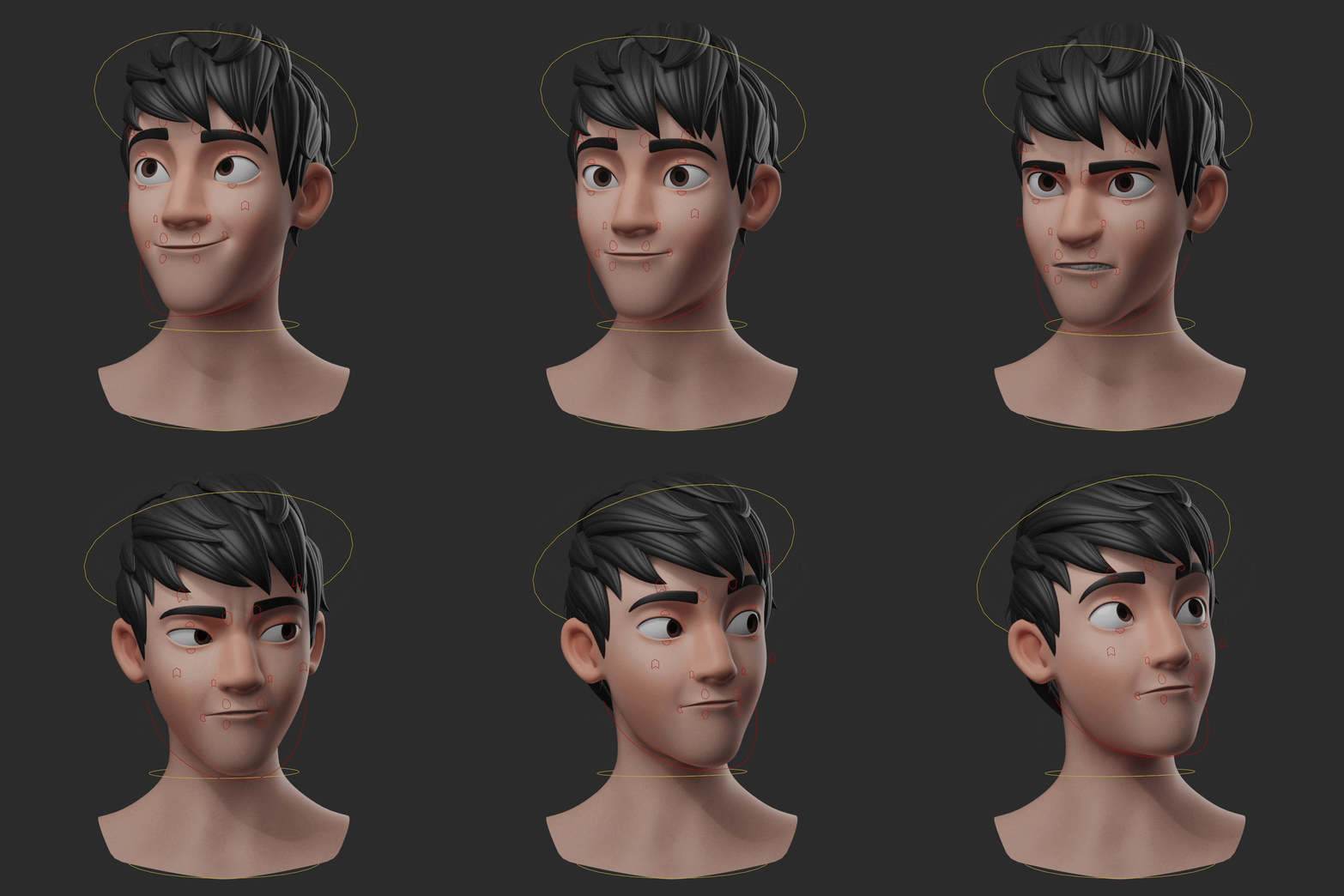
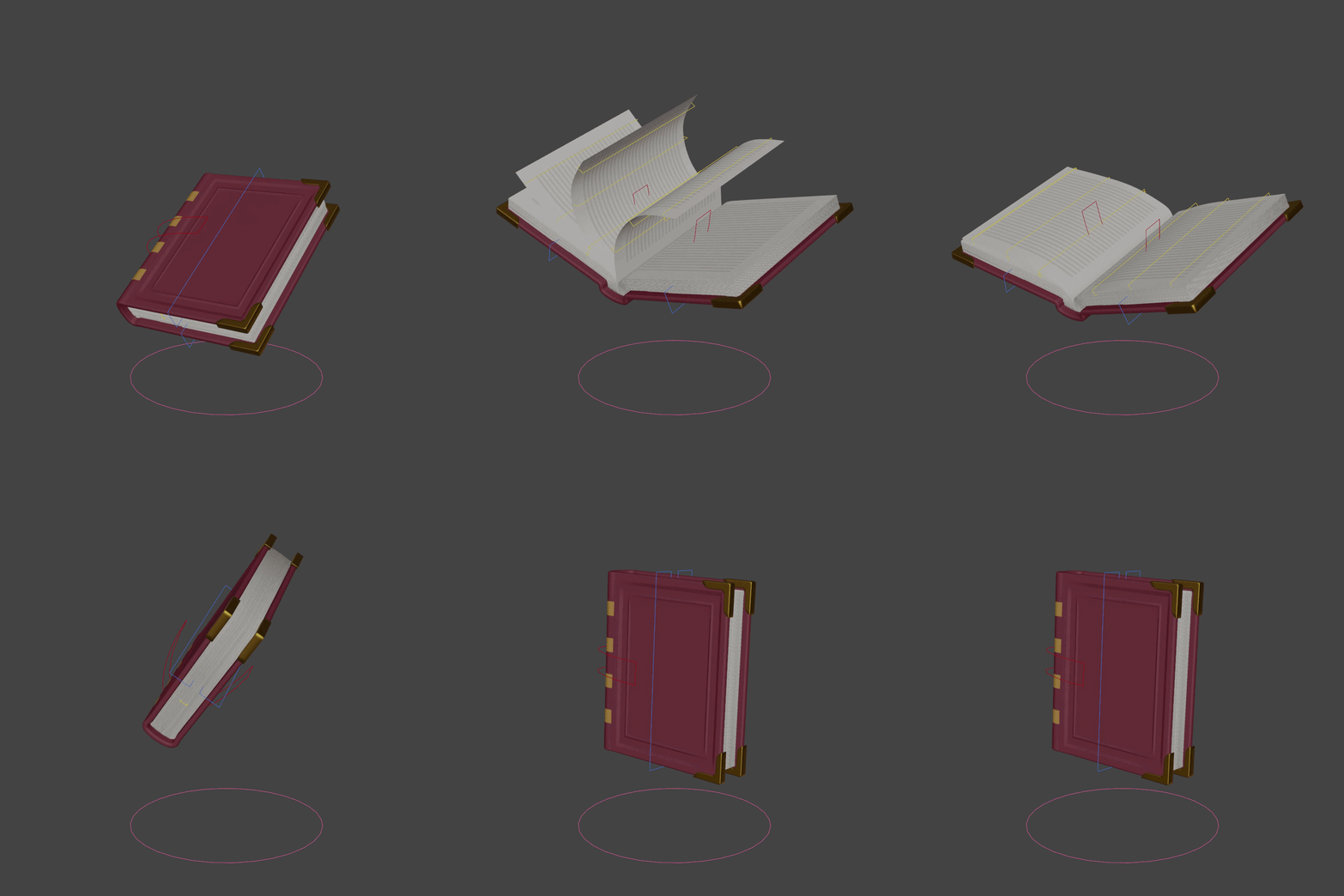
✔️ Rig your own characters, props, and assets
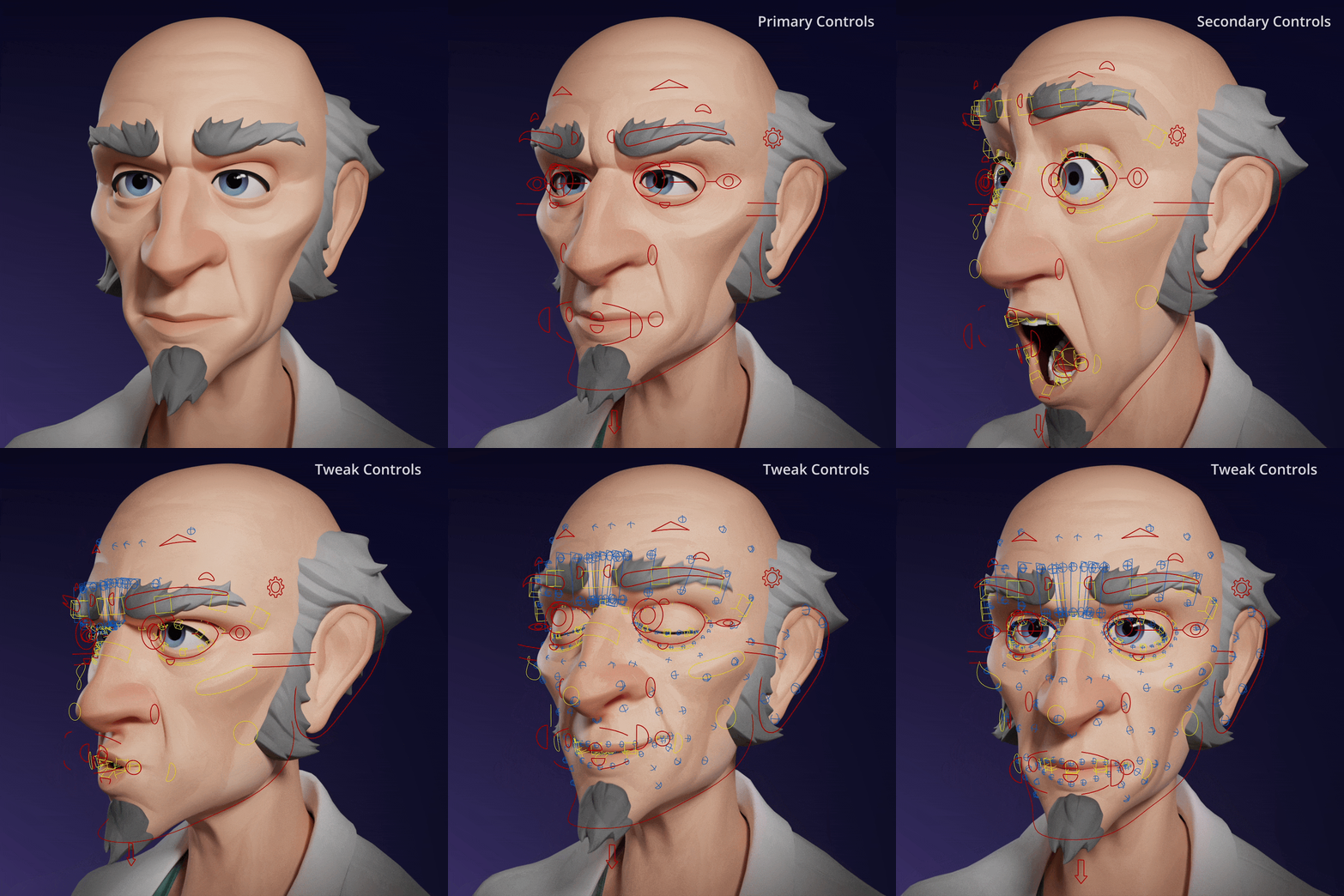
✔️ Build full animation-ready rigs, including facial systems
✔️ Understand how real production rigs are made
✔️ Develop problem-solving confidence to continue learning on your own
✔️ Get introduced to Python and the Blender API to build your own tools
The focus leans toward movie-style rigs, but the skills you learn apply to game rigs and other workflows as well.
Every Lesson Comes With
⭐ Clear, structured instruction built around how animators actually think.
⭐ Exercises after each lesson so you practice, not just watch.
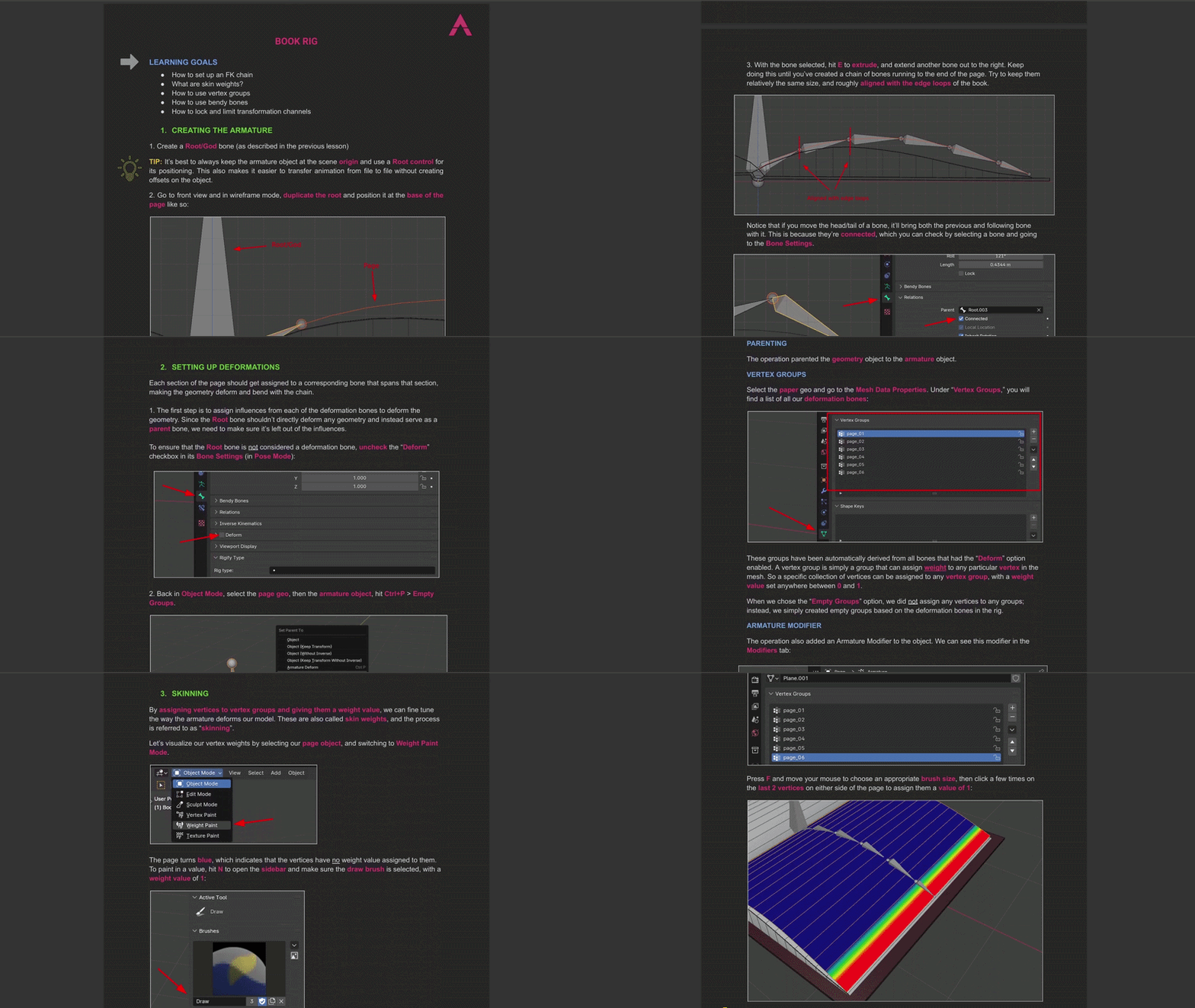
⭐ Custom PDF handbooks made specifically for each lesson.
⭐ A private community where no question goes unanswered.
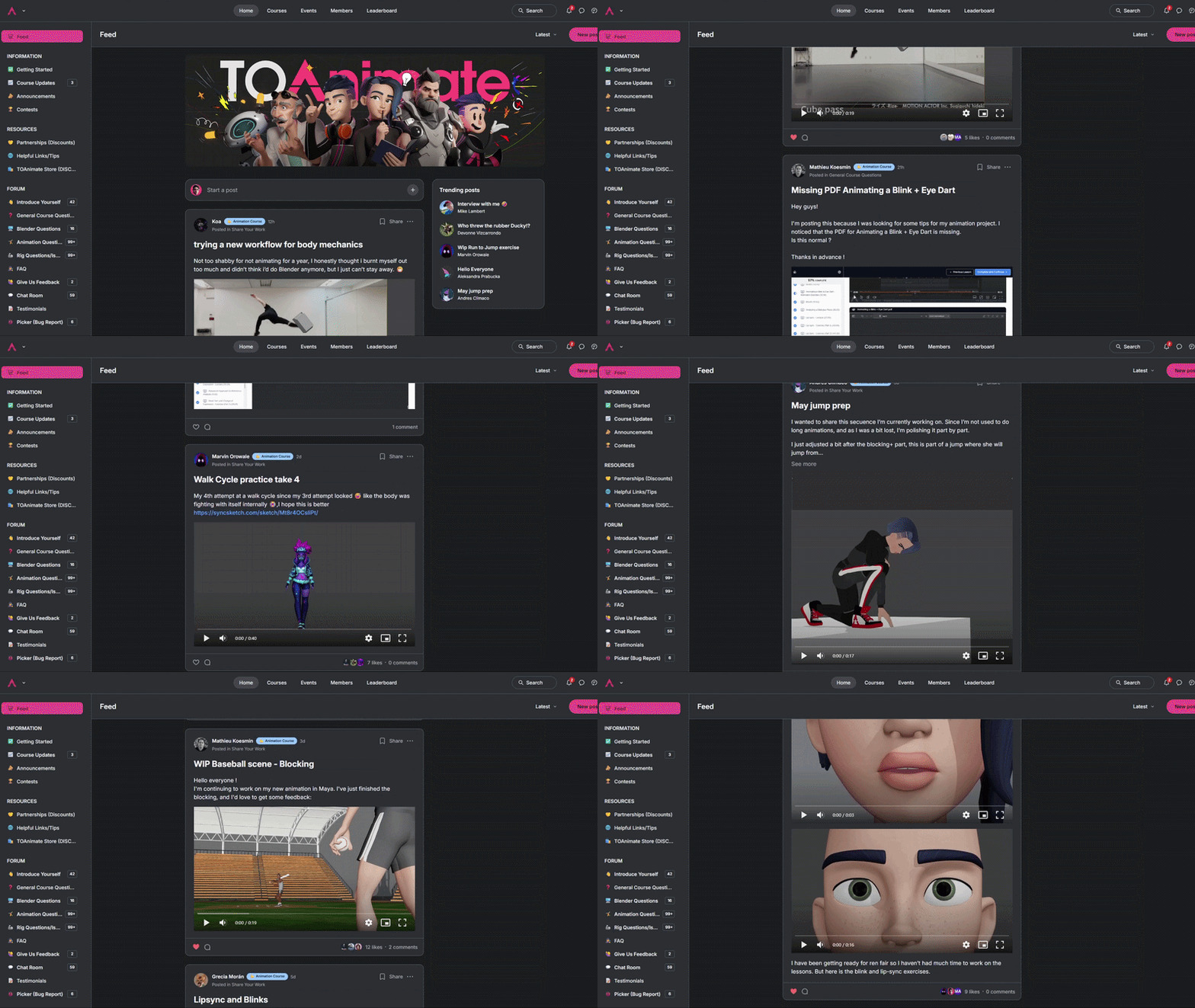
⭐ Exclusive rigging tools we've developed through years of professional use.
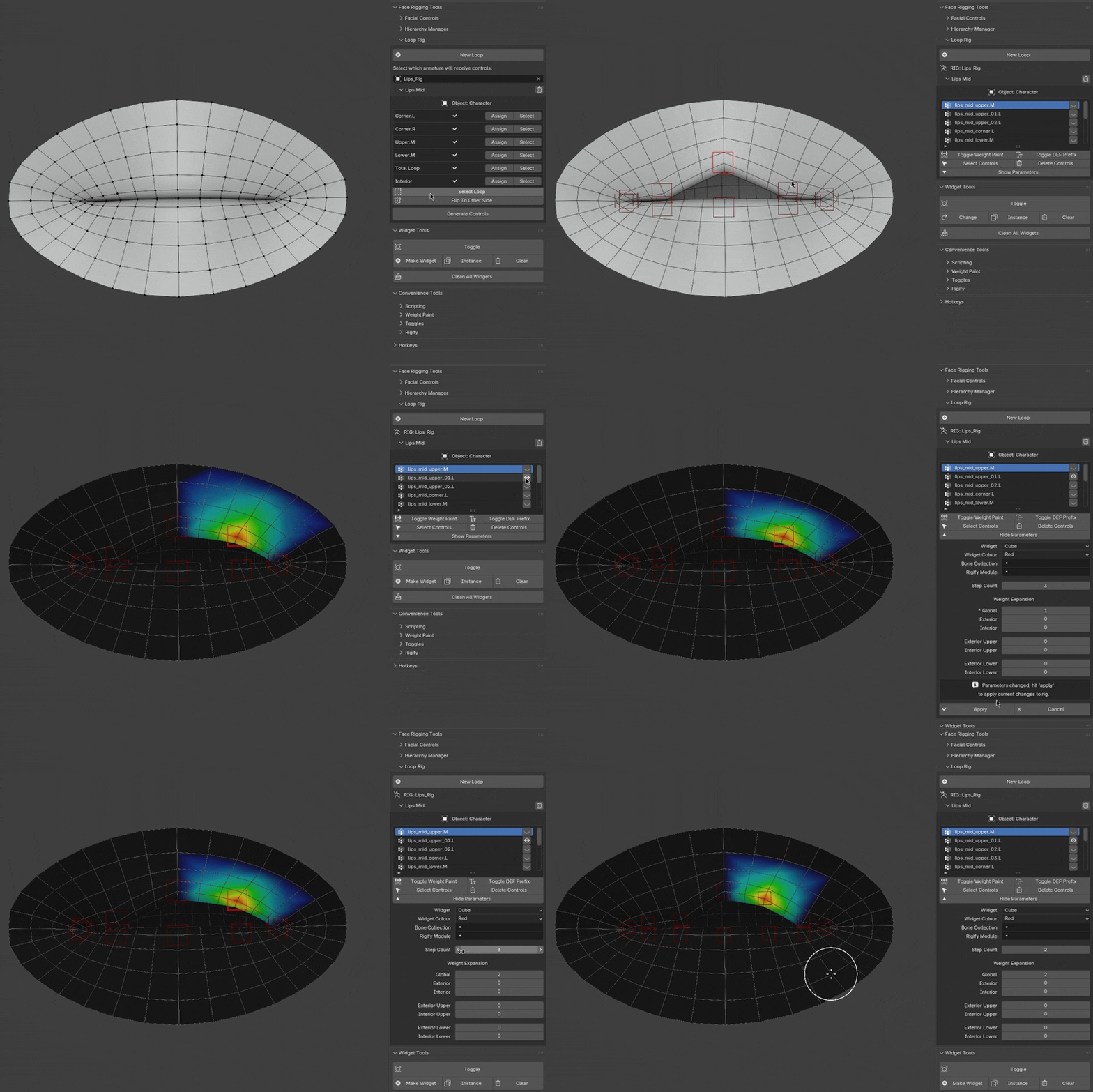
You're not just getting lessons.
You're getting the actual tools we use on real productions, including rig presets, facial automation tools, Rigify extensions, and utility widgets that make professional-speed rigging possible from day one.
Fully subtitled in
6 languages
Every lesson is subtitled in English, Spanish, French
Russian, Mandarin (Simplified), Korean.


English
Spanish
French
Russian
Mandarin
(Simplified)
Korean

15 years of experience.
Netflix production credits.
🧙Blender Wizard.
your instructor


Vladimir Mokhov
Technical Director · TOAnimate
Vlad has 15 years of Blender experience and has built rigging systems for professional studio pipelines. He worked on the Emmy and Annie award-winning Netflix series Maya and the Three, and most recently at B-Water Animation Studios.
He's not an educator who learned rigging to teach it. He's a working technical director who spent years developing the custom tools that ship with this course, including the rig presets, facial automation tools, and Rigify extensions you'll have access to from day one.
He's supported by the full TOAnimate team, the same people who built the Ultimate Animation Course that trained 2,000+ artists worldwide.
Netflix - Maya and the Three | B-Water Animation Studios
For Honor | 15 yrs Blender | Custom tool developer
"This course exists to bring all of that knowledge into one clear, structured, beginner-friendly journey, so you do not have to piece it together yourself."
The big promise
By the end of this course, you will not just understand rigging.
You will have the skills and confidence to turn any 3D model into a production-ready rigged asset, and the technical foundation to push Blender further with your own custom tools.
That is the difference between following tutorials and actually creating your own workflow.